
Are you struggling with unwanted color tints in your photos? In this video, we’ll show you 3 easy and effective methods to fix color cast in Photoshop. Whether you’re dealing with blue, green, or yellow tints, these techniques will bring out the natural colors in your images.
🎓 Learn Photoshop with Our Master Course
► LET’S CONNECT:
Instagram: https://www.instagram.com/infozubdigitalacademy/
Facebook: https://www.facebook.com/InfozubDigitalAcademy
Related Posts

Create Your Own Bokeh Effect Brush in Photoshop
In this video, learn how to create a custom Bokeh effect brush from scratch that you can use to add beautiful light effects to your designs, portraits, and creative projects! 📌 What You'll Learn:✅ How to design a Bokeh brush from scratch.✅ Tips for adjusting brush...
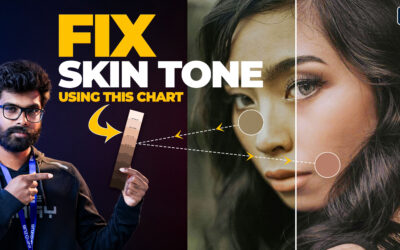
How to Perfectly Match Skin Tones Using a Skin Tone Chart in Photoshop – தமிழ்!
Discover how to achieve flawless skin tone matching in Photoshop using a skin tone chart! In this tutorial, I’ll show you step-by-step how to use this powerful tool to correct and balance uneven skin tones in your portraits. Whether you're a beginner or a pro, this...

Resize Wide Images into Story Size Without Stretching – Content Aware Scale!
Resize Wide Images into Story Size Without Stretching - Content Aware Scale! Photoshop-ல Content-Aware Scale-ஐ பயன்படுத்தி உங்கள் Image-ஐ story size-க்கு resize செய்ய எளிய வழியை கற்றுக்கொள்ளுங்கள்! 🎯 Main object-ஐ பாதிக்காமல், distortion இல்லாமல், perfect...