
Learn how to create a Long Shadow Text Effect in Photoshop with this easy step-by-step tutorial! This simple trick will make your text stand out and give it a modern, stylish look, perfect for posters, social media, and more.
Whether you’re a beginner or a pro, this Photoshop trick is quick, effective, and fun to use!
Don’t forget to like, comment, and subscribe for more Photoshop tips.
► LET’S CONNECT:
Instagram: https://www.instagram.com/infozubdigitalacademy/
Facebook: https://www.facebook.com/InfozubDigitalAcademy/
🎓 Learn Photoshop with Our Master Course
Related Posts
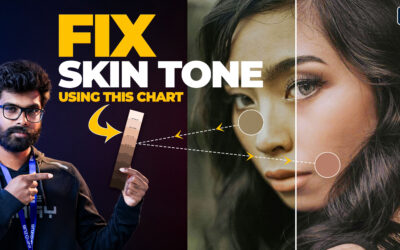
How to Perfectly Match Skin Tones Using a Skin Tone Chart in Photoshop – தமிழ்!
Discover how to achieve flawless skin tone matching in Photoshop using a skin tone chart! In this tutorial, I’ll show you step-by-step how to use this powerful tool to correct and balance uneven skin tones in your portraits. Whether you're a beginner or a pro, this...

3 Best Ways to Fix the Color Cast in Images – தமிழ்!
Are you struggling with unwanted color tints in your photos? In this video, we’ll show you 3 easy and effective methods to fix color cast in Photoshop. Whether you’re dealing with blue, green, or yellow tints, these techniques will bring out the natural colors in your...

Resize Wide Images into Story Size Without Stretching – Content Aware Scale!
Resize Wide Images into Story Size Without Stretching - Content Aware Scale! Photoshop-ல Content-Aware Scale-ஐ பயன்படுத்தி உங்கள் Image-ஐ story size-க்கு resize செய்ய எளிய வழியை கற்றுக்கொள்ளுங்கள்! 🎯 Main object-ஐ பாதிக்காமல், distortion இல்லாமல், perfect...