
Discover how to achieve flawless skin tone matching in Photoshop using a skin tone chart! In this tutorial, I’ll show you step-by-step how to use this powerful tool to correct and balance uneven skin tones in your portraits. Whether you’re a beginner or a pro, this guide will help you elevate your photo editing skills to the next level.
🎓 Learn Photoshop with Our Master Course
Lets Connect:
Instagram: https://www.instagram.com/infozubdigitalacademy/
Facebook: https://www.facebook.com/InfozubDigitalAcademy/
Related Posts
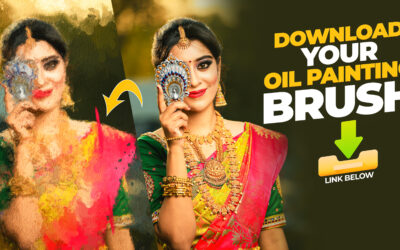
Oil Painting Brushes and Texture in Photoshop
Creating oil paintings in Photoshop has never been easier! Use our custom brushes to turn your artwork into stunning masterpieces, just like a professional artist.
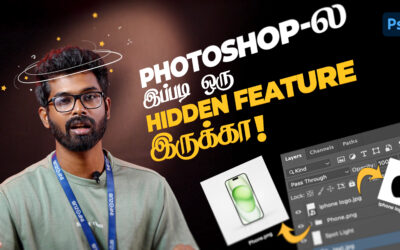
Automatically Save Your Layers as PNG or JPG in Photoshop – தமிழ்
Photoshop-ல் உள்ள உங்கள் Layer-களை PNG அல்லது JPG கோப்புகளாக தானாக சேமிக்க எப்படி செய்வது என்பதை இந்த வீடியோவில் காணலாம்! Learn how to automatically save your Photoshop layers as PNG or JPG files with ease! In this video, we’ll explore Photoshop’s Image Assets...
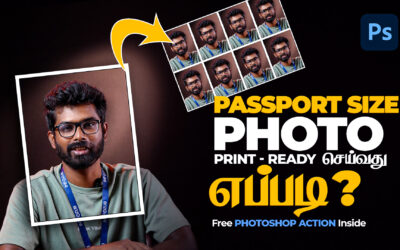
Passport Size Photo Print-Ready In Photoshop
Passport Size Photo Print-Ready செய்வது எப்படி? | Free Photoshop Action File Included இந்த வீடியோவில், Photoshop பயன்படுத்தி print-ready passport size photo எளிதாக உருவாக்கும் முறையை காணலாம். நீங்கள் விரைவாகவும் சுலபமாகவும் passport size image தயாரிக்க, இந்த...