
In this video, learn how to create a custom Bokeh effect brush from scratch that you can use to add beautiful light effects to your designs, portraits, and creative projects!
📌 What You’ll Learn:
✅ How to design a Bokeh brush from scratch.
✅ Tips for adjusting brush settings for unique effects.
✅ Creative ways to apply your custom Bokeh brush.
Whether you’re a beginner or an experienced designer, this tutorial will help you add a magical touch to your artwork. Don’t forget to experiment with different sizes, opacities, and colors for stunning results!
► LET’S CONNECT:
Instagram: https://www.instagram.com/infozubdigitalacademy/
Facebook: https://www.facebook.com/InfozubDigitalAcademy/
🎓 Learn Photoshop with Our Master Course
Related Posts
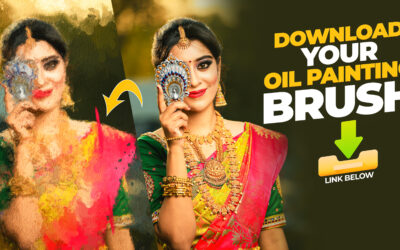
Oil Painting Brushes and Texture in Photoshop
Creating oil paintings in Photoshop has never been easier! Use our custom brushes to turn your artwork into stunning masterpieces, just like a professional artist.
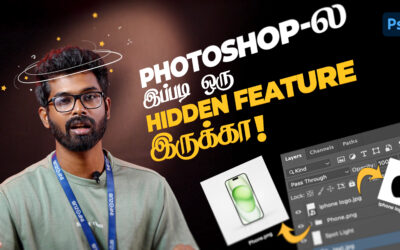
Automatically Save Your Layers as PNG or JPG in Photoshop – தமிழ்
Photoshop-ல் உள்ள உங்கள் Layer-களை PNG அல்லது JPG கோப்புகளாக தானாக சேமிக்க எப்படி செய்வது என்பதை இந்த வீடியோவில் காணலாம்! Learn how to automatically save your Photoshop layers as PNG or JPG files with ease! In this video, we’ll explore Photoshop’s Image Assets...
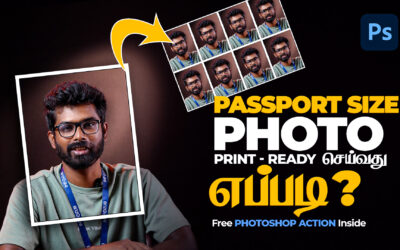
Passport Size Photo Print-Ready In Photoshop
Passport Size Photo Print-Ready செய்வது எப்படி? | Free Photoshop Action File Included இந்த வீடியோவில், Photoshop பயன்படுத்தி print-ready passport size photo எளிதாக உருவாக்கும் முறையை காணலாம். நீங்கள் விரைவாகவும் சுலபமாகவும் passport size image தயாரிக்க, இந்த...