
In this video, learn how to create a custom Bokeh effect brush from scratch that you can use to add beautiful light effects to your designs, portraits, and creative projects!
📌 What You’ll Learn:
✅ How to design a Bokeh brush from scratch.
✅ Tips for adjusting brush settings for unique effects.
✅ Creative ways to apply your custom Bokeh brush.
Whether you’re a beginner or an experienced designer, this tutorial will help you add a magical touch to your artwork. Don’t forget to experiment with different sizes, opacities, and colors for stunning results!
► LET’S CONNECT:
Instagram: https://www.instagram.com/infozubdigitalacademy/
Facebook: https://www.facebook.com/InfozubDigitalAcademy/
🎓 Learn Photoshop with Our Master Course
Related Posts
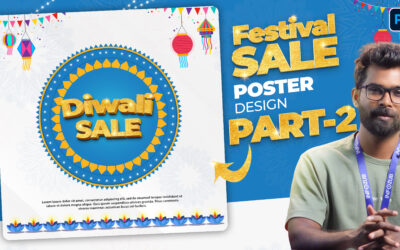
Festival Sale Poster Design in Photoshop | Part 2
Welcome to Part 2 of the Festival Sale Poster Design tutorial in Photoshop. 👉 In this video, you’ll learn how to create the 3D Sale Text inside the design with the help of layer styles and text effects. By the end of this tutorial, you’ll have a complete Festival Sale...

Festival Sale Poster Design in Photoshop | Part 1
In this video, we’ll start designing a Festival Sale Poster in Photoshop. 👉 In Part 1, you’ll learn how to create the outer circles step by step using simple Photoshop tools and layer styles. This tutorial is perfect for beginners who want to learn professional poster...
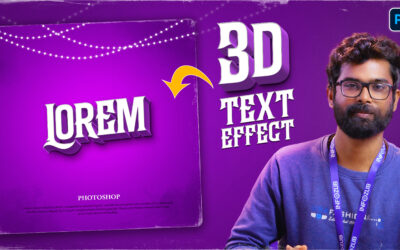
Create Bold 3D Text Effect in Photoshop (Quick & Easy)
In this Photoshop tutorial, I’ll show you how to create an eye-catching 3D Text Effect in just a few minutes using actions. This effect is perfect for posters, banners, thumbnails, and social media designs. 🔥 What you’ll learn in this video: How to apply Photoshop...