
Want to add a festive touch to your designs? 🎉
In this Photoshop tutorial, you’ll learn how to create colorful confetti papers and gold party papers using simple brush settings and effects. Perfect for creating party posters, festival designs, or decorative backgrounds — all inside Photoshop!
✨ What you’ll learn:
✅ How to use Photoshop brushes to create confetti effects
✅ How to design gold gradient paper for party themes
✅ Simple brush adjustments for unique paper textures
If you love Photoshop tricks like this, don’t forget to like, share, and subscribe for more creative tutorials!
► LET’S CONNECT:
Instagram: https://www.instagram.com/infozubdigitalacademy/
Facebook: https://www.facebook.com/InfozubDigitalAcademy/
🎓 Learn Photoshop with Our Master Course
Related Posts
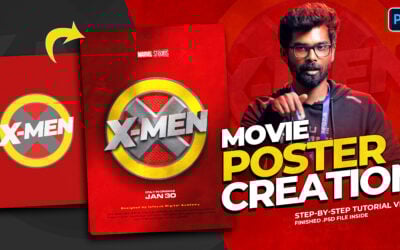
Movie Poster Design from Scratch in Photoshop
In this Photoshop tutorial, learn how to design a complete movie poster from scratch — step by step! 🎥 We’ll recreate a cinematic X-Men style poster, covering lighting, textures, shadows, and typography techniques that give your design a professional movie look. 🎨...

Aadi Sale Special Poster Design in Photoshop | Step by Step Tutorial
Want to create an eye-catching Aadi Sale Poster in Photoshop? 🎉 In this step-by-step tutorial, I’ll show you how to design a special sale poster with vibrant colors, stylish typography, and festive elements that will grab attention instantly. Perfect for sales,...
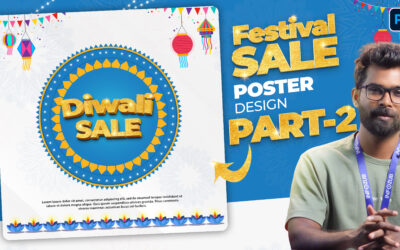
Festival Sale Poster Design in Photoshop | Part 2
Welcome to Part 2 of the Festival Sale Poster Design tutorial in Photoshop. 👉 In this video, you’ll learn how to create the 3D Sale Text inside the design with the help of layer styles and text effects. By the end of this tutorial, you’ll have a complete Festival Sale...