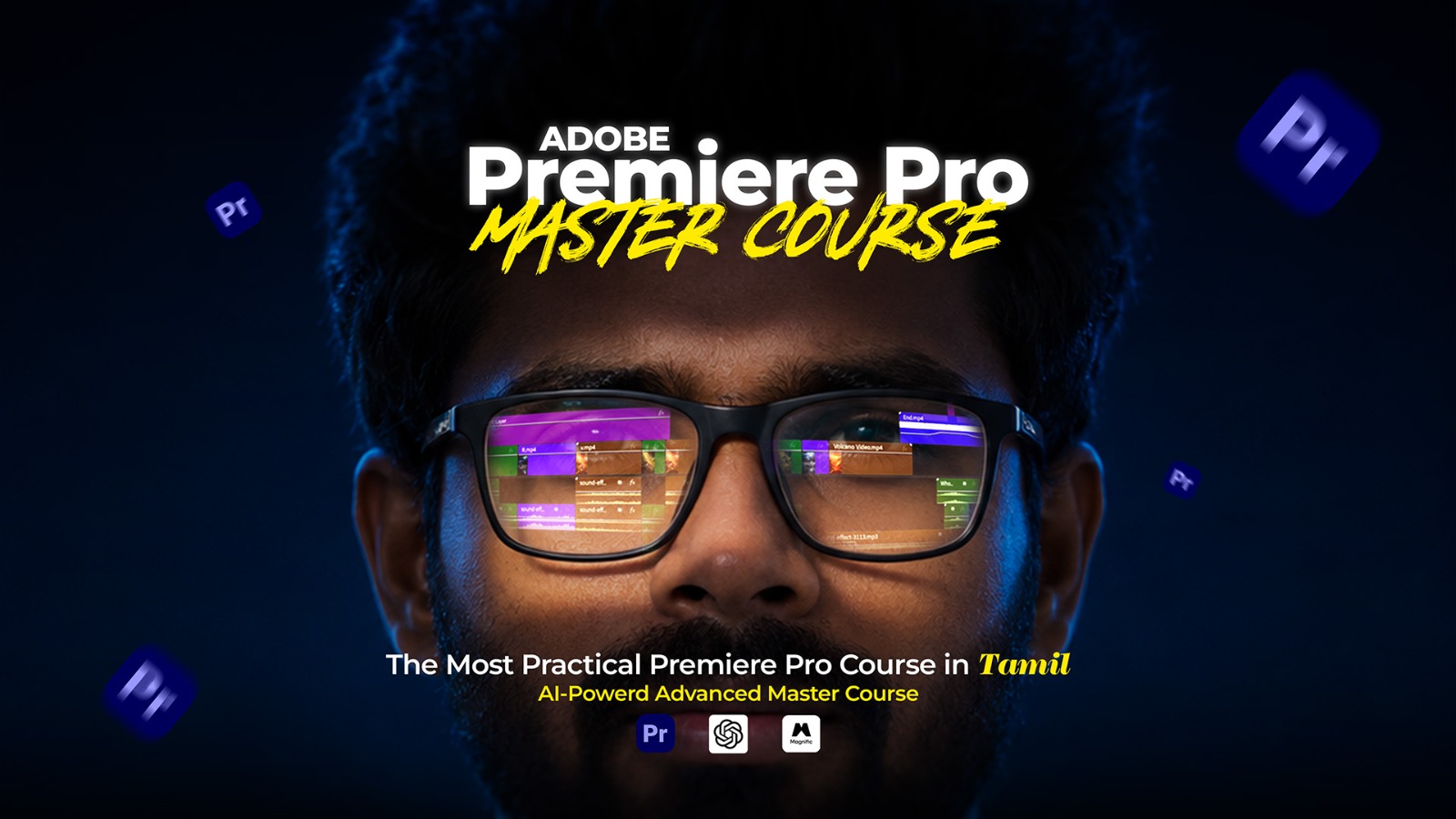
Promotional hero for Adobe Premiere Pro Master Course; man with glasses reflecting a video timeline, overlaid course title in white and yellow text.

Learn Professional Video Editing from
Absolute Beginner to Pro!

What Will You Learn?
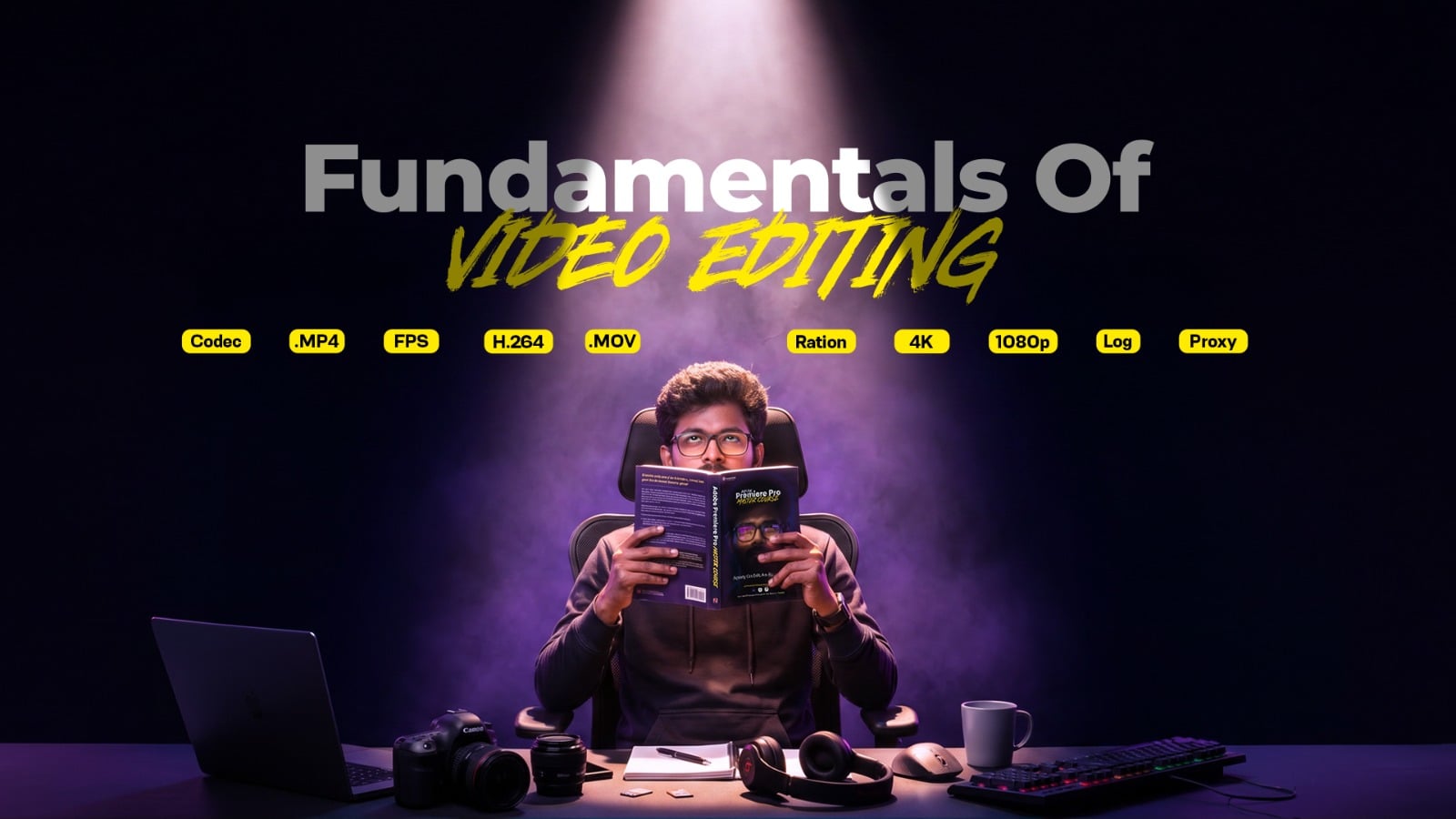
Video Editing Fundamentals
Learn essential concepts like codecs, FPS, resolution, and editing workflows before creating your first project.

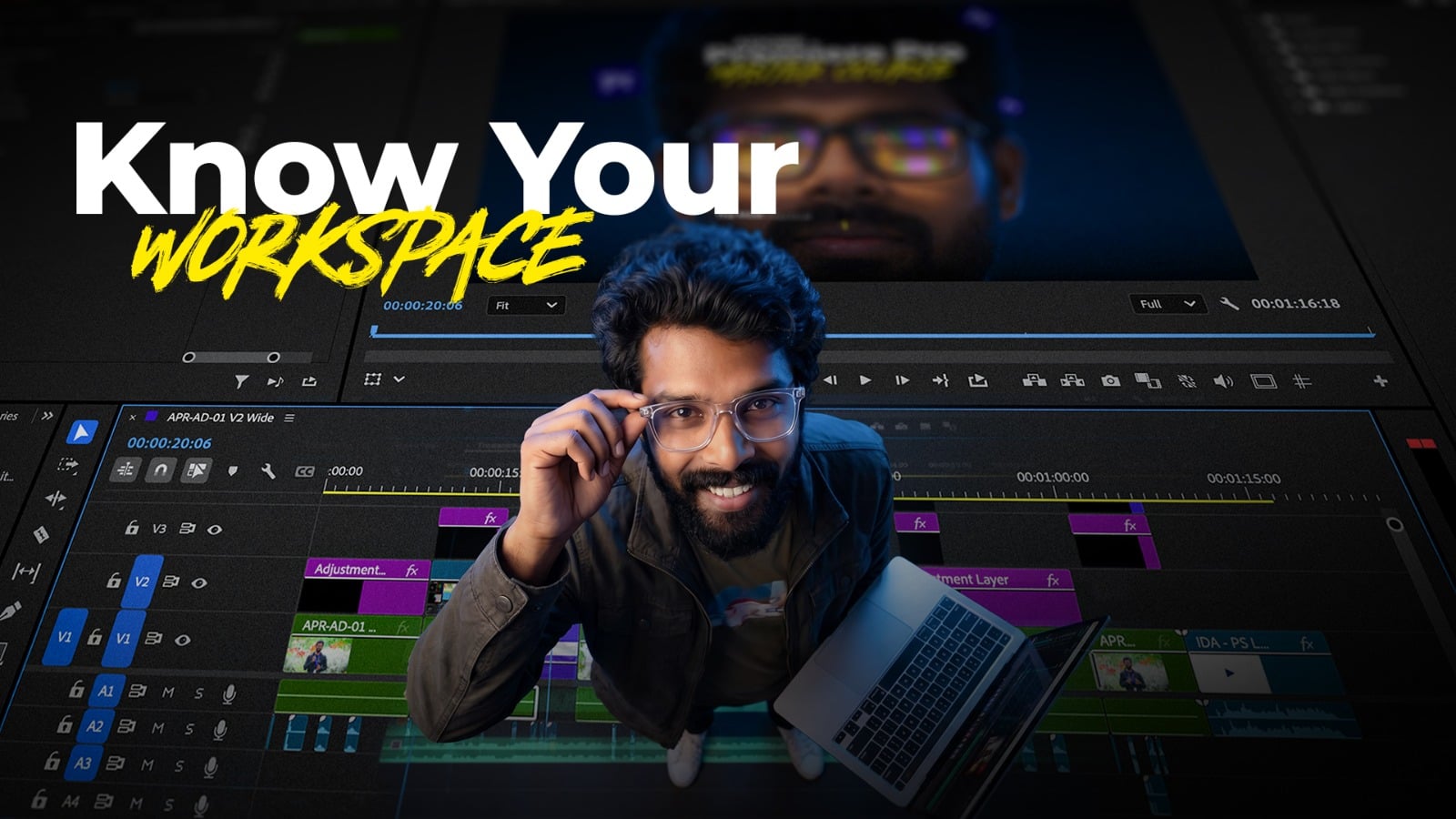
Interface and Workspace

Master the Premiere Pro interface and organize your workspace like a professional. Learn where every tool is and how to edit with confidence.
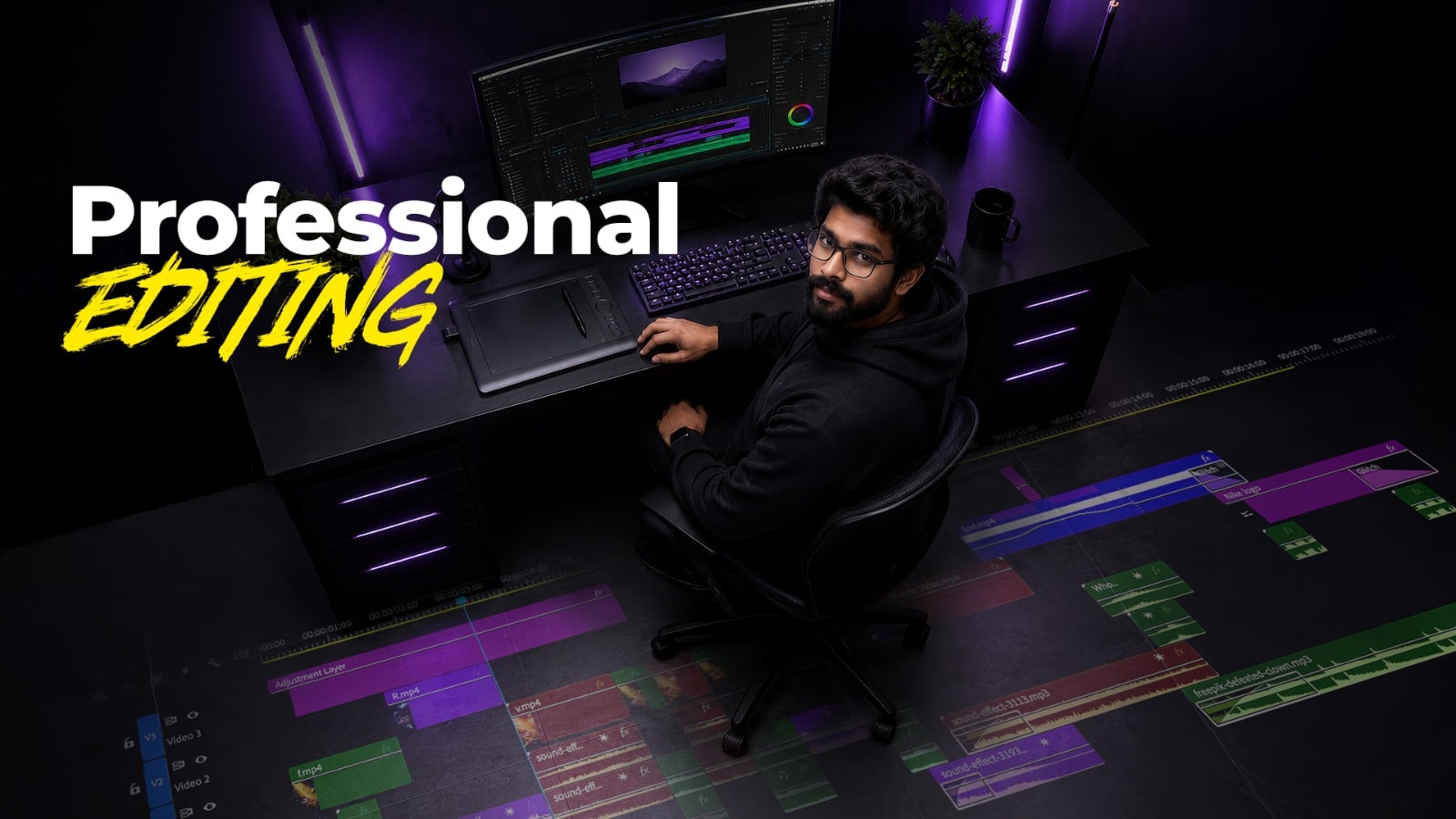
Man wearing glasses sits at a dark editing station with a large monitor; bold white text reading 'Professional' and yellow 'EDITING' overlays the scene, neon purple lighting in the background.

Professional Editing Workflow

Learn the complete editing workflow from importing footage to final export. Edit faster using professional techniques.
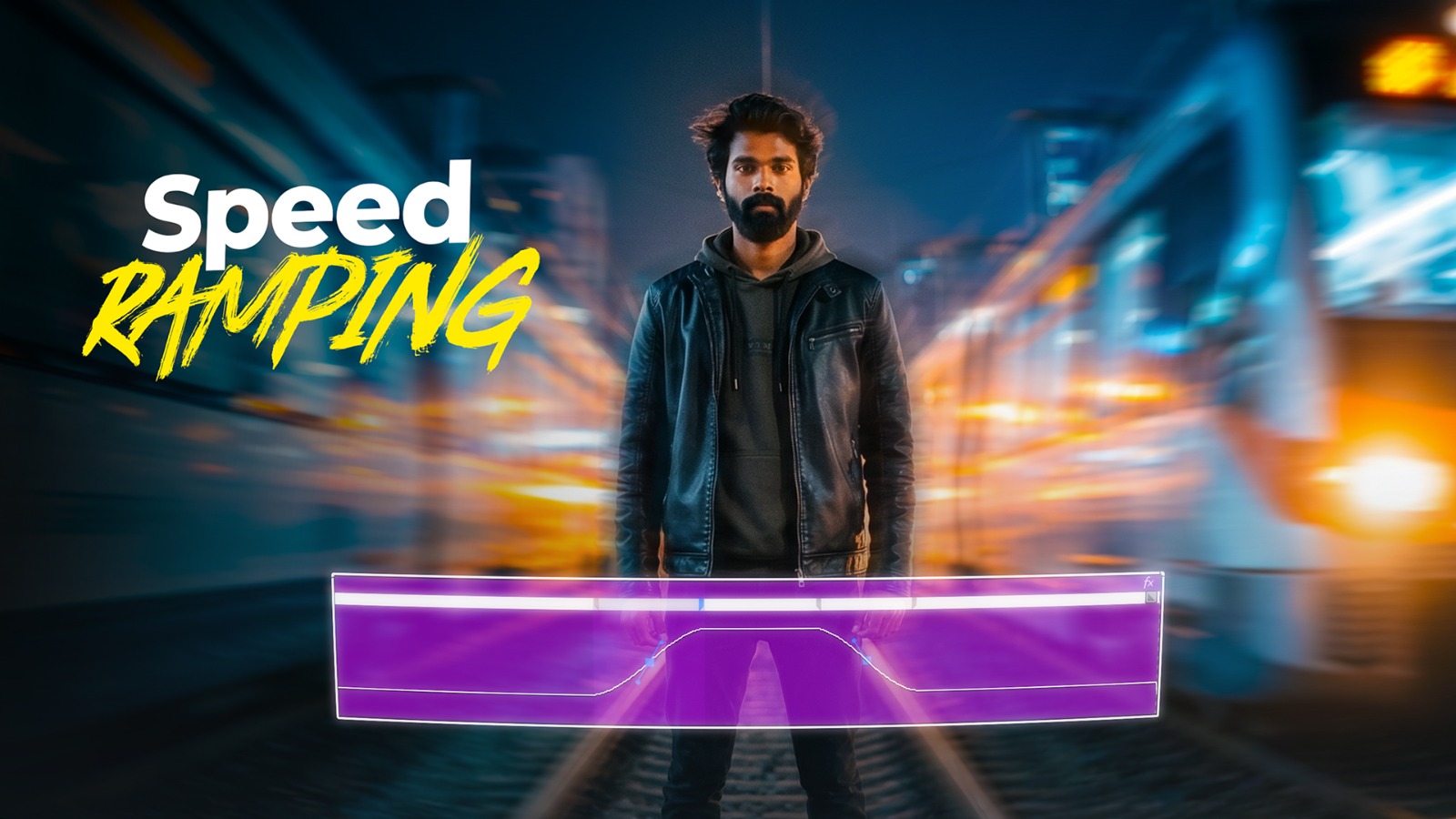
Man in a black leather jacket stands on a neon-lit street with a glowing purple speed ramp projected in front of him.

Speed Ramping and Motion

Create smooth cinematic motion using keyframes, speed ramping, and interpolation. Make your videos more dynamic and engaging.
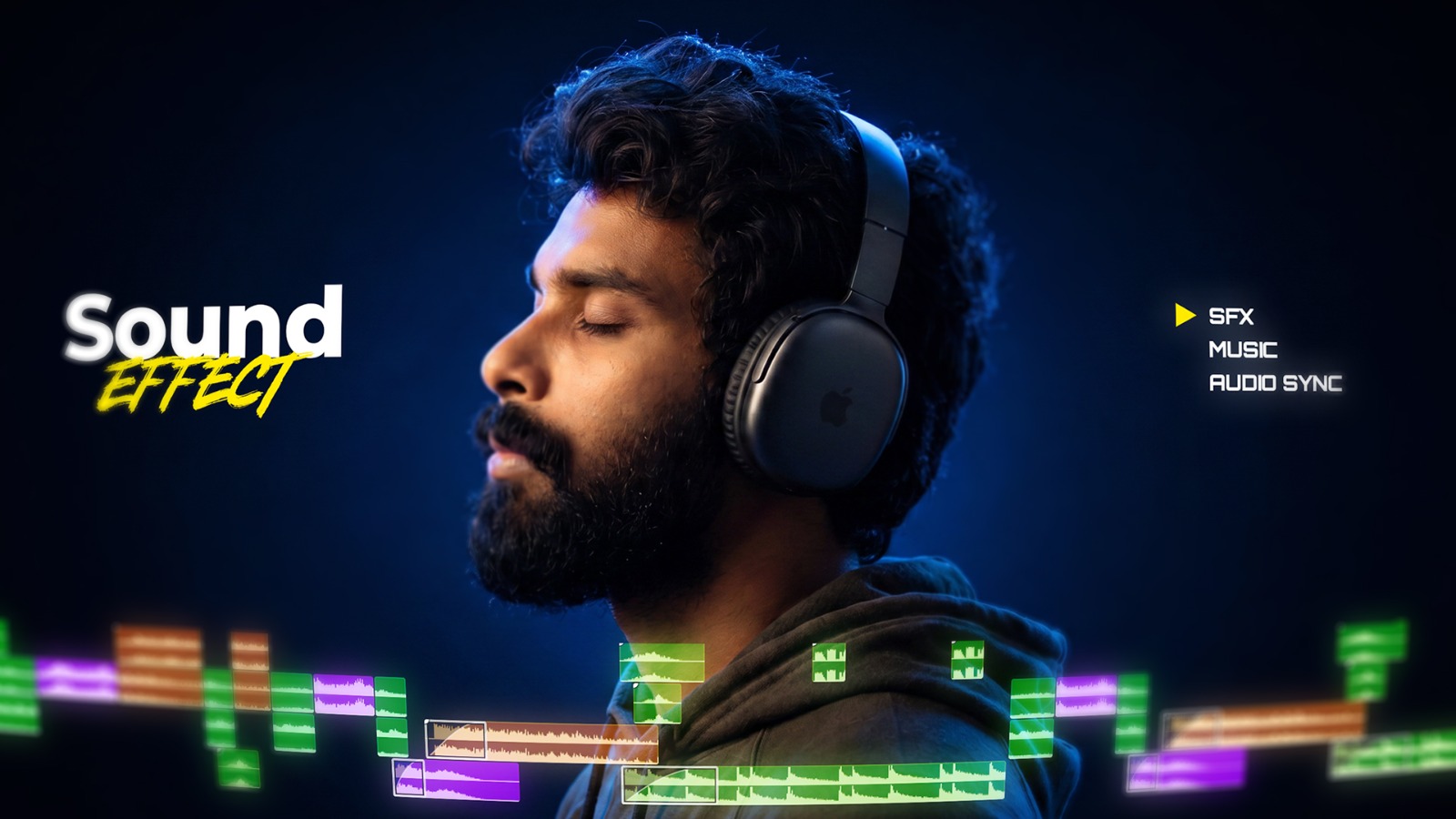
Bearded man wearing over‑ear headphones with neon audio waveform bars at the bottom and branding 'Sound Effect' and 'SFX Music Audio Sync'.

Audio Editing and SFX

Enhance your videos with clean dialogue, music, and sound effects. Learn syncing, balancing, and audio techniques that improve every edit.
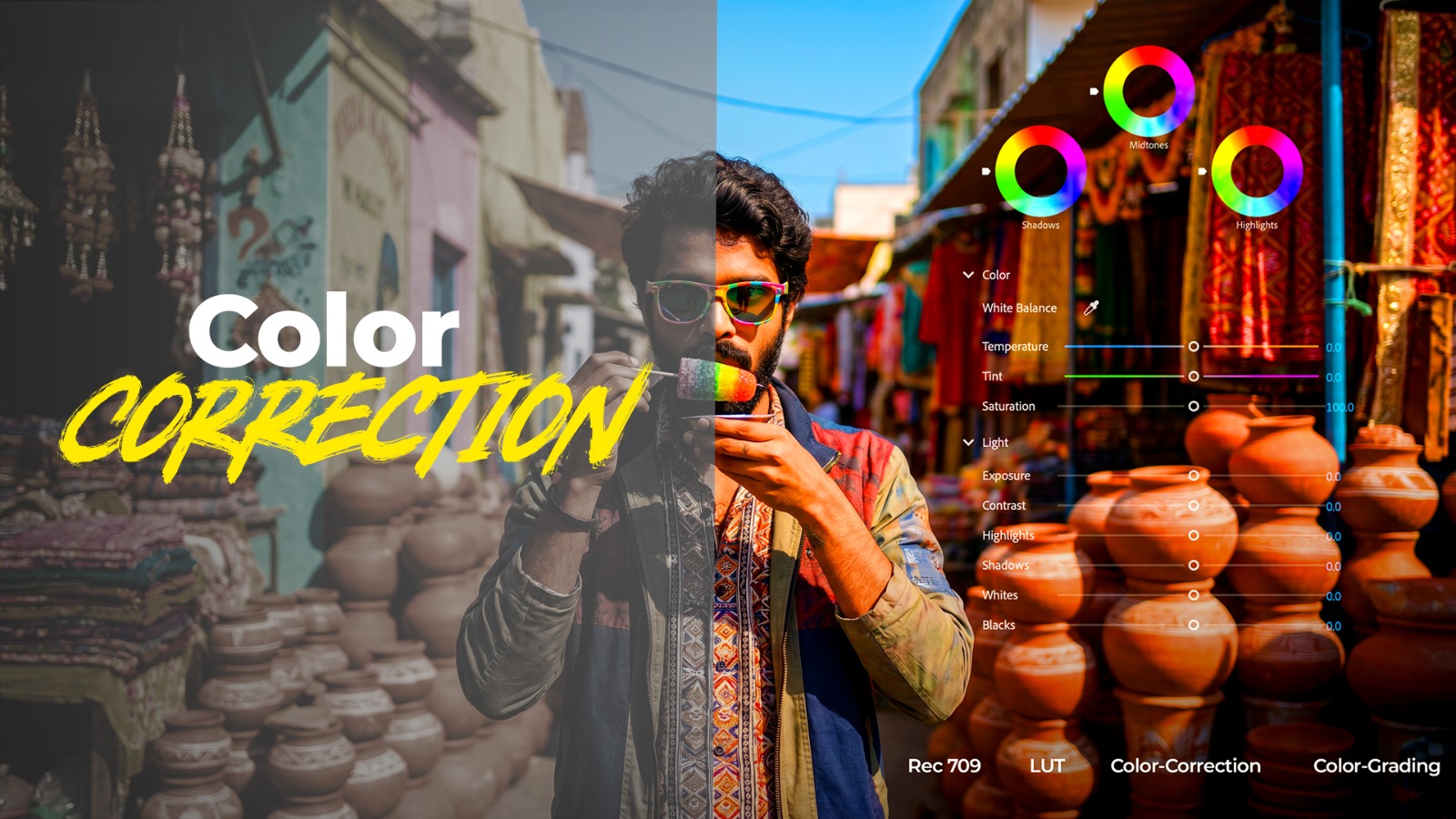
Split-image illustrating color correction in photo editing: market scene with a man taking a photo, left side dark, right side bright with color controls overlay.

Color Correction and Grading

Transform flat footage into cinematic visuals. Master color correction, grading, LUTs, Log footage, and the Lumetri Color panel.

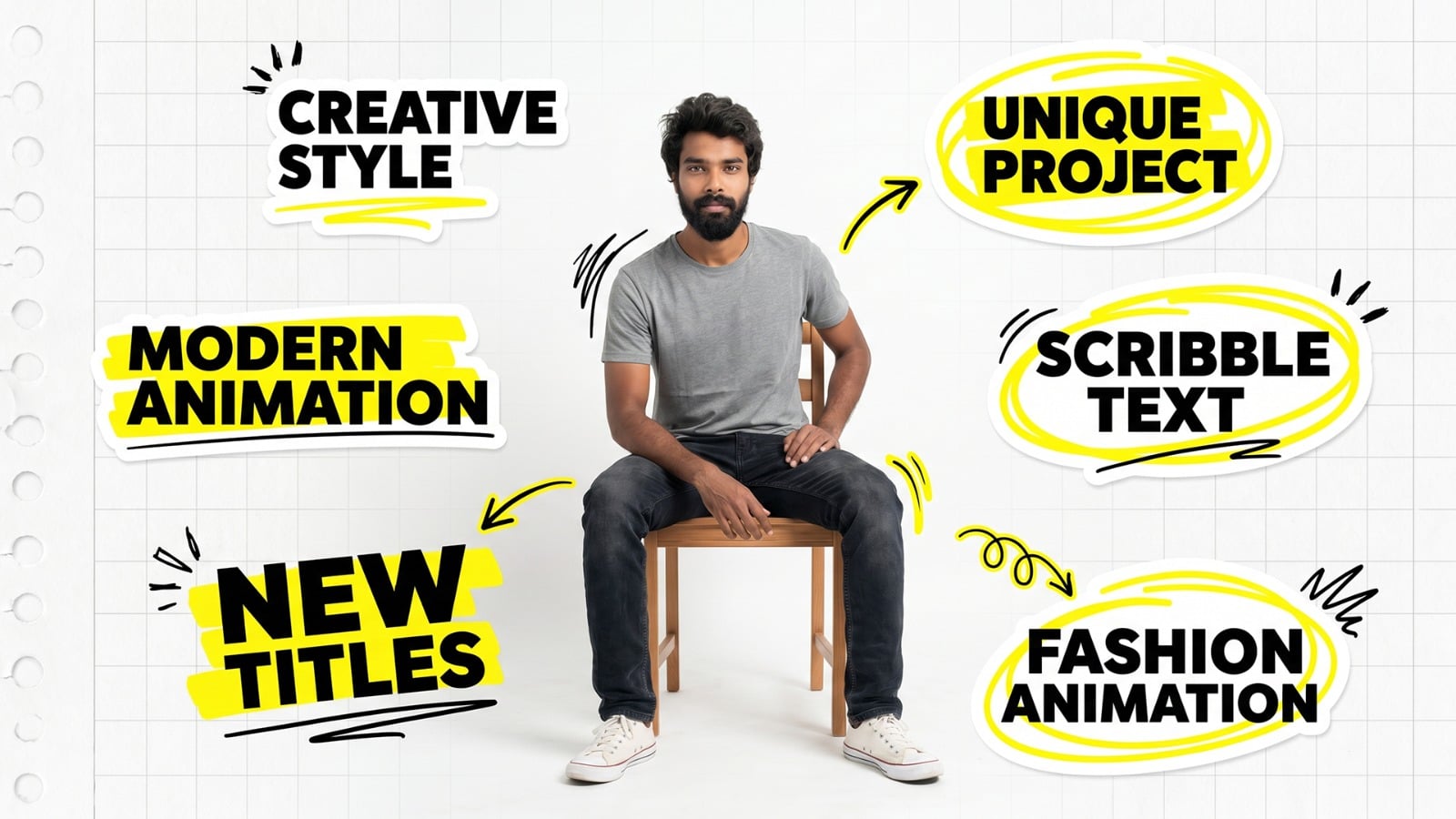
Text Animation

Create professional titles, lower thirds, and motion graphics. Build reusable templates that make every project look polished.
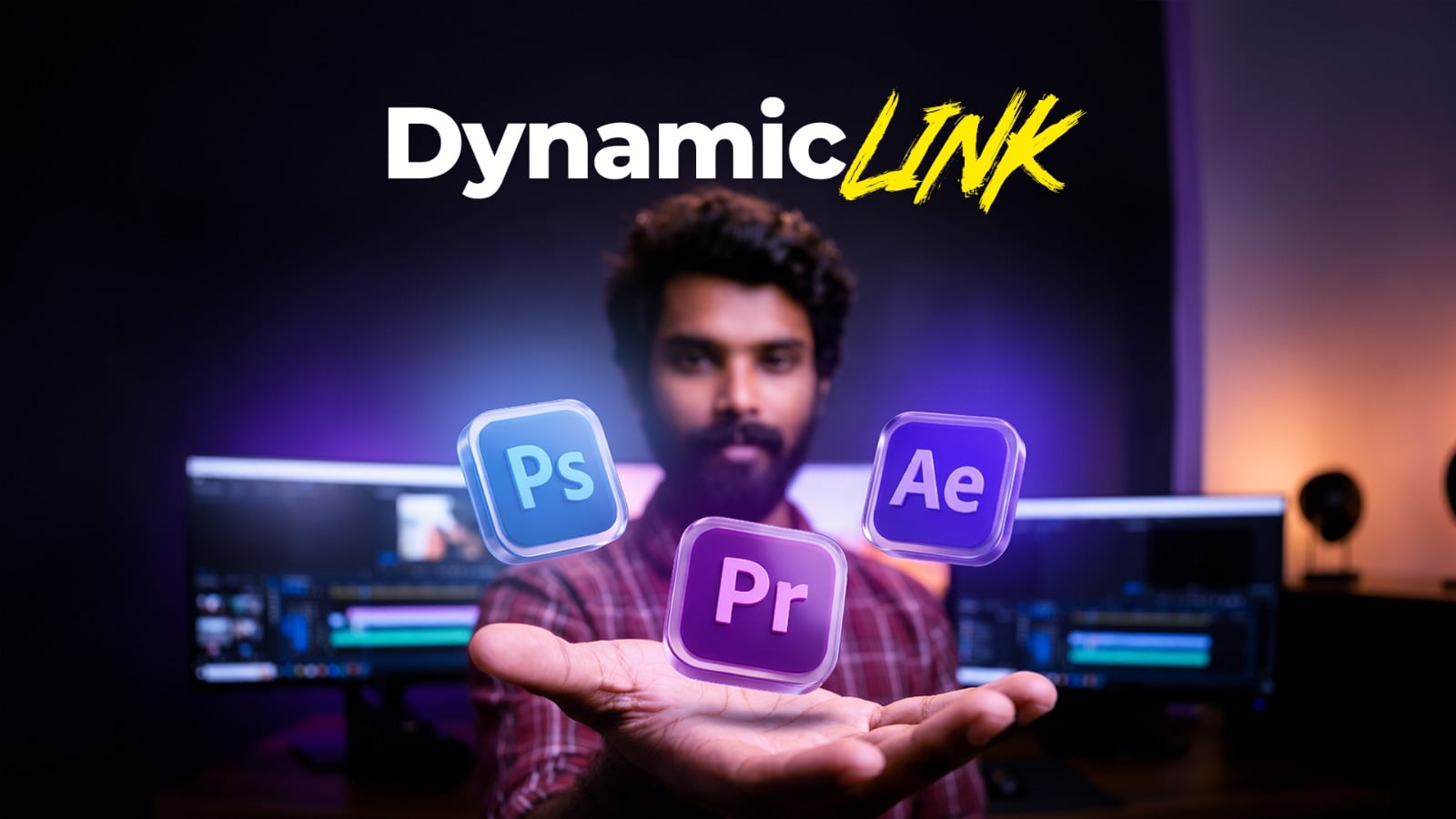
Man extending hand with floating Photoshop, Premiere Pro, and After Effects icons and Dynamic Link logo above him (studio setup)

Dynamic Link

Connect Premiere Pro with Photoshop and After Effects without rendering. Learn a faster workflow used by professional editors.
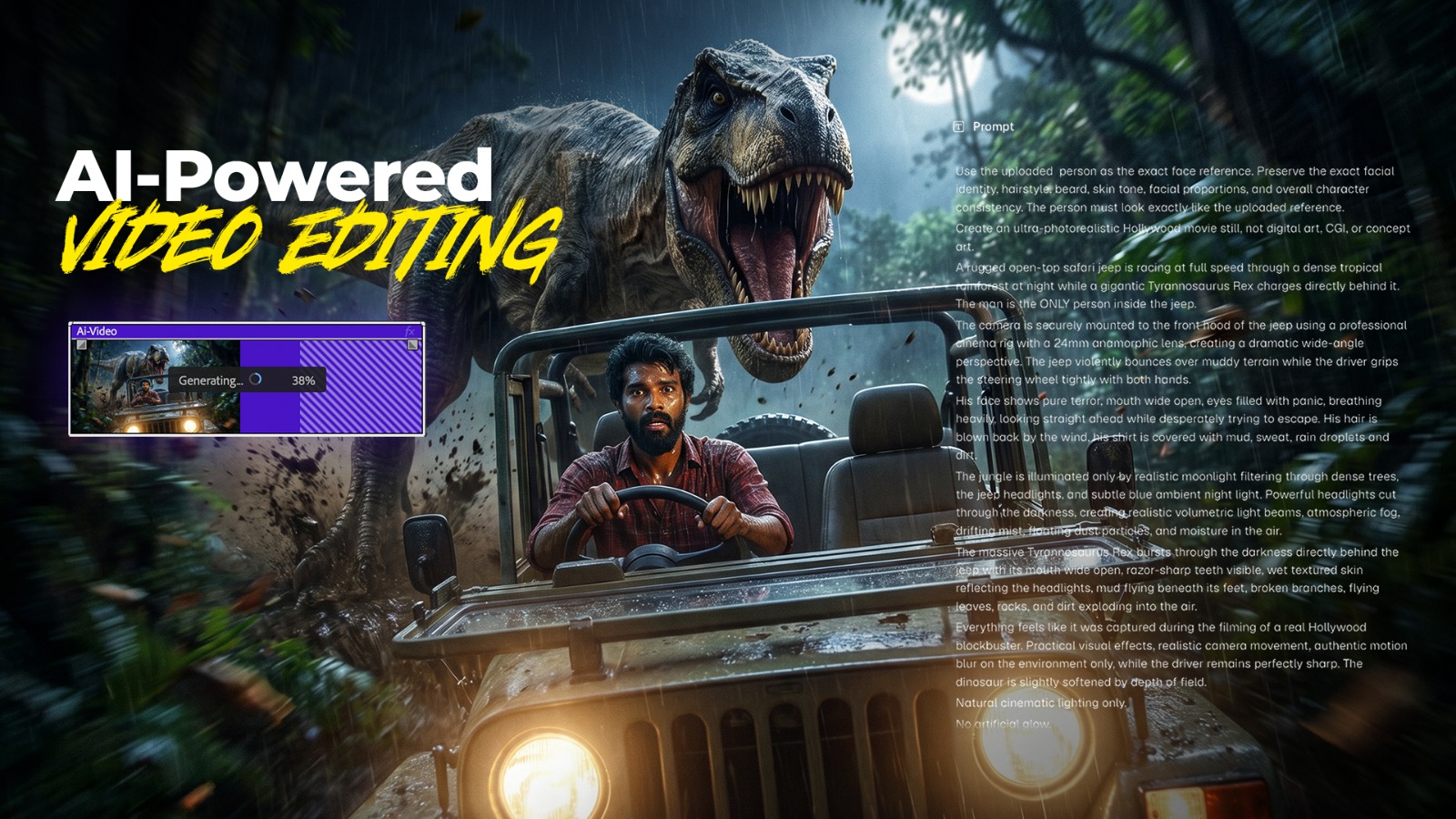
Hero image: a man drives a jeep through a rain-soaked jungle as a T-rex looms behind; bold 'AI-Powered Video Editing' title on the left.

AI-Powered Video Editing

Edit with the latest AI tools. Master AI audio cleanup, Generative Extend, Higgsfield, and Magnific AI to speed up your editing workflow.

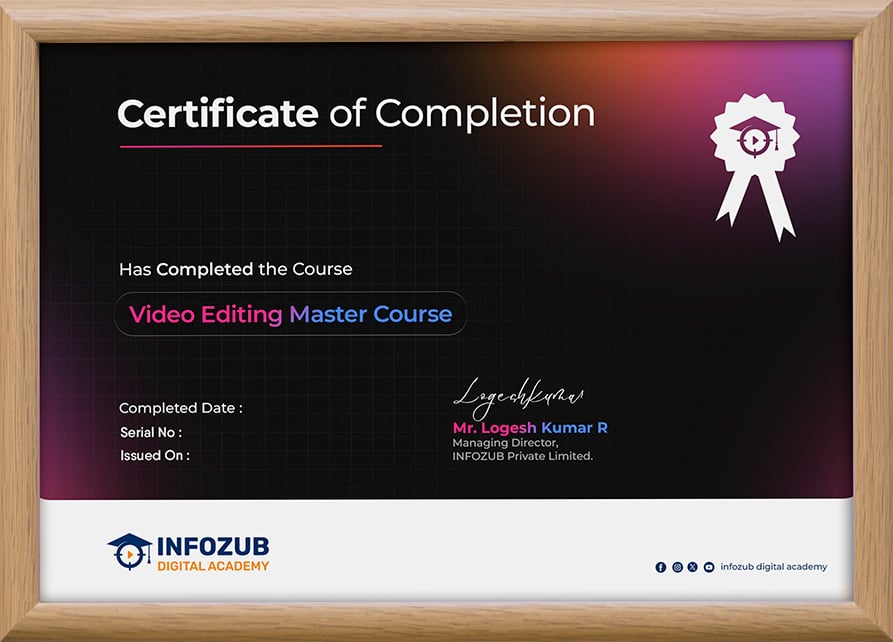
Our Certification

“Earn a prestigious certification with our Adobe Premiere Pro Master Course and showcase your creative expertise. Validate your skills with a globally recognized credential in video editing. Enhance your career prospects with professional certification from Infozub Digital Academy!

Meet Your Instructor

With over 10 years of experience in video editing and post-production, I specialize in Adobe Premiere Pro and professional video production. I have helped aspiring editors, content creators, and professionals master industry-standard editing techniques. My teaching approach focuses on practical, real-world projects that make learning simple and effective. Through this course, I aim to help you build the confidence and skills needed to create professional-quality videos.

Rajkamal

Why Choose

Video Editing as your career

Today, Video Content Drives Every Business. Skilled Video Editors Are in High Demand.

₹6L+ Average Salary

₹3–₹12 LPA average salary for professional video editors in India. Skilled Adobe Premiere Pro editors are in demand across media, marketing, and production companies.

35%+ Market Growth Rate

The digital content industry is growing rapidly with increasing demand for YouTube, OTT platforms, social media, advertising, and corporate video production.

50K+ Job Openings

Thousands of openings for Video Editors, Content Creators, Motion Graphics Editors, and Post-Production Professionals are available on LinkedIn, Naukri, and freelance platforms.

Why This Course?

Recognized Certification

Earn a professional certificate upon course completion that validates your WordPress web design skills.

Expert-Led-Mentorship

Learn under the guidance of experienced mentors with personalized community support.

Beginner Friendly Learning

Complex topics are simplified with clear explanations, ensuring smooth learning even for beginners.

Understanding the Journey

Course Roadmap

Consultation Call

We will call you to give a complete overview about the course and solve your doubts related to the course.

Course Purchase

Once you have complete understanding of this course and syllabus, You can purchase the course.

Course Access

Immediately after purchasing, you will receive access to the course LMS (Learning Management System) through email.

LMS Mobile App

Remember to download and install our android mobile app for learning this course through your mobile.

Learning Modules

All the learning modules are accessible to you. It’s recommended to learn in the sequence we have uploaded the videos.

Community Support

If you have any doubts while learning the course, you can feel free to ask in the “Community Support” section in the LMS.

Completion Certificate

Once you complete learning all the modules, you will receive a “Course Completion Certificate” for this course.

Lifetime Access

Even after completing the course, you will continue to have tutorials access, including future updates for the tutorials.

Frequently

Asked Questions

What is the duration of the Course?

This course is self-paced learning. So there are no time limitations. You will have life-time access.
Is this an Online Course or Offline Course?

This course is 100% Online Self-Paced Learning Course with Pre-Recorded Video Modules.

What is unique about this course?

Practical Training, Real-World Strategies, Agency-Styled Learning and Backed by our 13+ years of Agency Experience.

Is EMI Available?

Please get in touch with us to know more about EMI options.

What is the course language?

This course is explained in Tamil with technical terms in English.

Do you give all softwares, tools, platform-access, subscriptions?

No. Whatever mentioned in this course is the educational purpose only. We do not give any software, tools, platform-access, subscription access.

How to ask doubts or questions?

There is a dedicated “Community Support” section inside the LMS. You can feel free to ask any doubts within the course syllabus and you will receive response from the community or authors.

Can I share my course to my friends?

No, this course is for individual learning purpose only. You should not share with anyone.

Do you offer any income guarantee?

We give quality education and knowledge for everyone. No income promise (or) guarantees.

I run an educational institution. Can I play this course publicly to my students?

For Educational Institutions, we offer separate pricing options. Please get in touch with us.

Do I require any prior experience to enroll?

You require basic computer skills and logical thinking to understand concepts and strategies.

Will I get a Course Certificate?

Yes, once you complete learning the entire course, you will receive a Digital Certificate.

What is the validity of study materials?

You will have life-time access to the course, materials and videos.

Can I learn at my own pace?

Yes, you can learn at your own pace.

Will you keep this course updated?

Yes, we update the course periodically and you will receive in LMS.

Can I switch to a different course after purchase?

If you have purchased a course by mistake and have not completed more than 5% of the modules, we will help you to switch to a different course of your choice.

Can I download the videos?

In LMS mobile app, we have given the option to save the videos so you can watch offline (without active internet connection). You can access the videos in the LMS (Learning Management System), But you cannot download or share the videos.

After making payment, how long will it take to start learning?

You will receive access almost immediately after making the payment. Please check your email for access to LMS (Learning Management System). In very rare scenarios (like payment gateway issues), you have to wait up to 24 hours to receive access.

Can I change the “Name” in certificate once its generated?

For changes in “Name” after the certificate is generated, please get in touch with us.

Still Confused? Call…